
Changing your password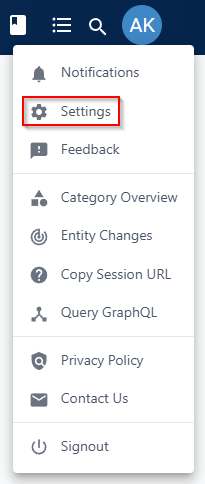
 Did this answer your question?😞😐😃
Changing your password
A
Written by
Adam Karl
Updated over 12 months agoAdam KarlChanging your password if you can already log in
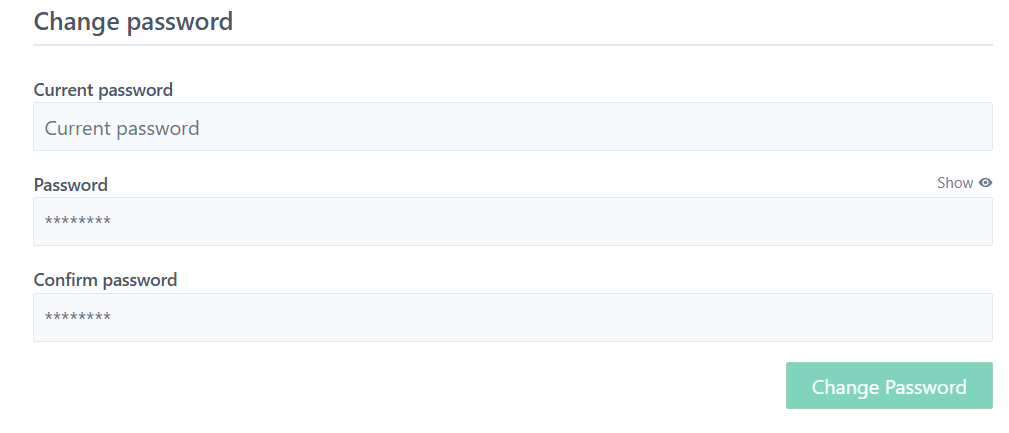
If you know your password, you can change it after logging in via the settings menu


Resetting your password if you have misplaced it
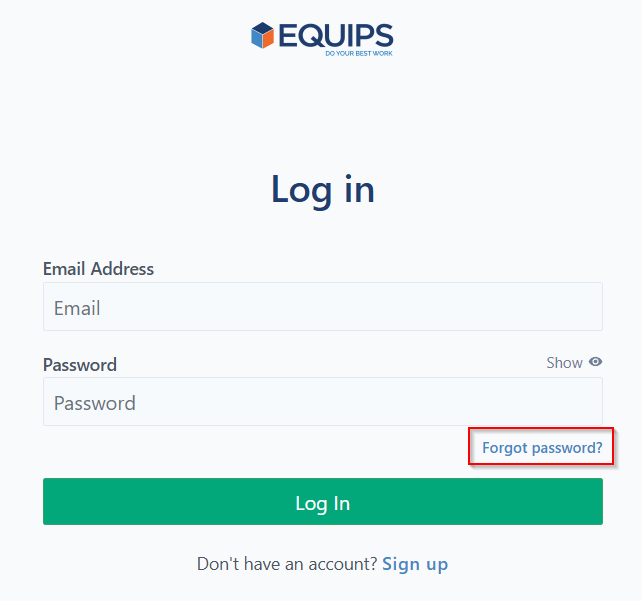
Navigate to https://app.equips.com/login and click "Forgot password?"

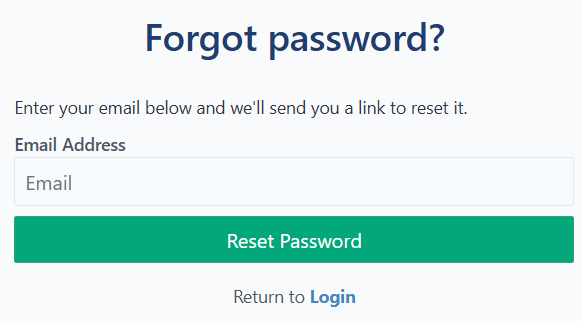
Enter the email address you have associated with your Equips application account and click "Reset Password"

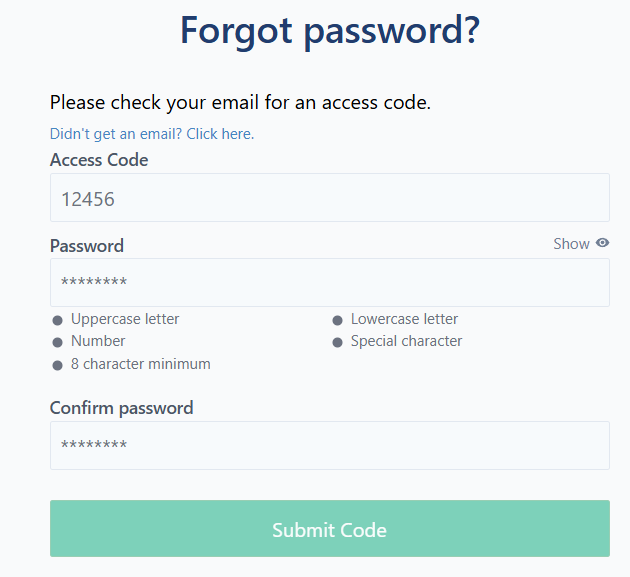
You will receive an access code via email which will let you set a new password. Enter the code and your new password (twice) on the next screen.
 Did this answer your question?😞😐😃